
Today
Know who’s in before the first meeting.
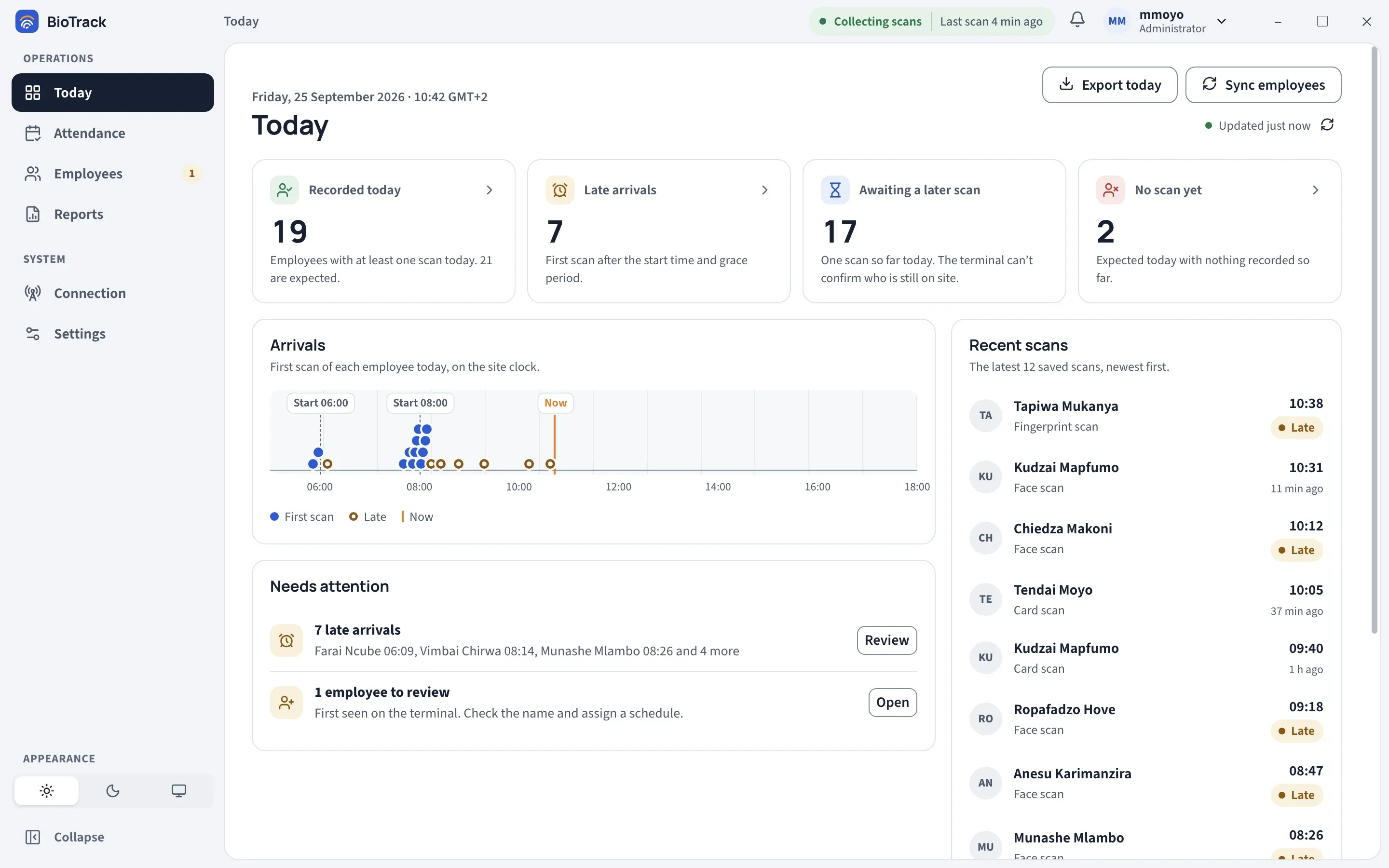
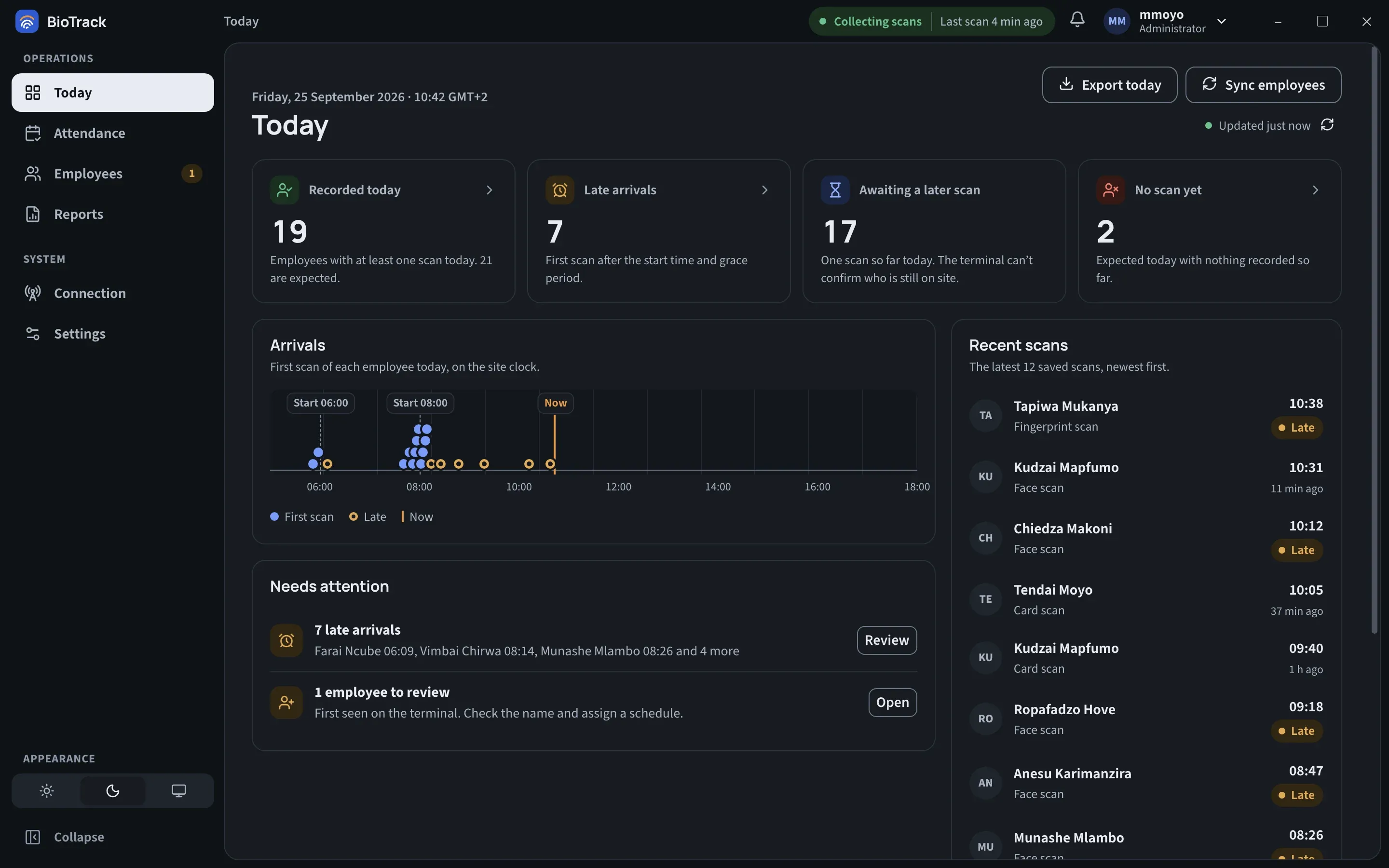
Recorded, late, awaiting a later scan and no scan yet, with each person’s first scan plotted against their start time.
Attendance for Hikvision terminals · Windows 11
BioTrack connects your Hikvision terminal to a Windows service that saves every fingerprint, face and card scan to an encrypted database on site. Your team sees who is in, who is late and who hasn’t scanned yet, as it happens. Cloud reporting is there when your organisation needs it.
How it works
Scans move one way: from the terminal, to the service, to the database. The app reads from the end of the chain, and its Connection page shows the health of every link separately.
Your Hikvision terminal records a fingerprint, face or card scan and calls BioTrack over the local network.
A Windows service receives the call and saves the scan, whether or not anyone has BioTrack open.
Scans are written to an encrypted database on that computer. Nothing is edited after it is saved.
If your organisation turns it on, signed batches go to your cloud service and catch up after any outage.
The BioTrack app sits on top: Today, Attendance, Employees, Reports and Connection. It talks to the collector over a protected local channel and updates live as scans are saved.
Read the detailsFeatures
Clear answers to the questions people actually ask: who’s here, who’s late, who still owes a scan, and what the month looks like. The screens say what they know, and are honest about what they can’t know yet.
Recorded, late, awaiting a later scan and no scan yet, with each person’s first scan plotted against their start time.
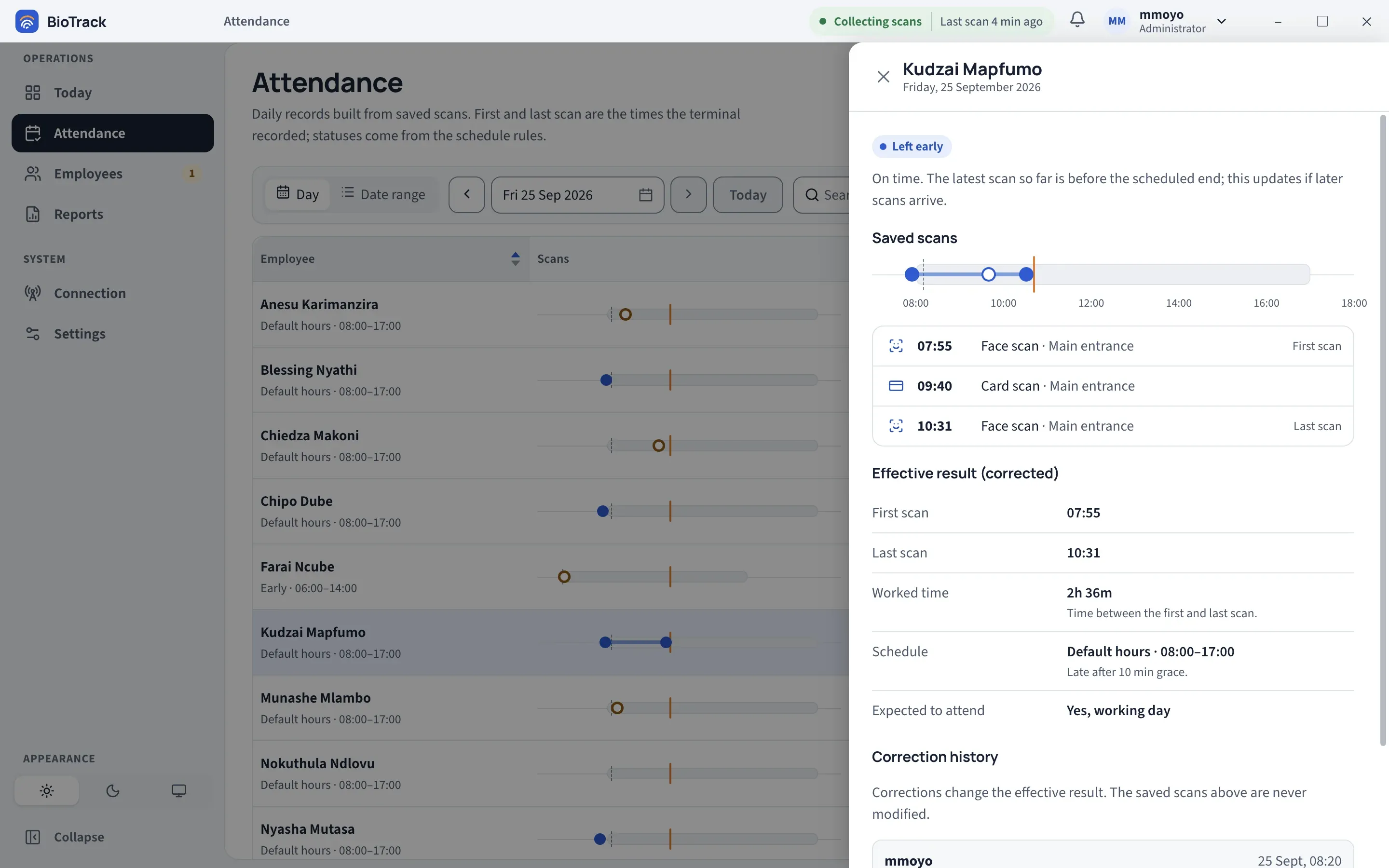
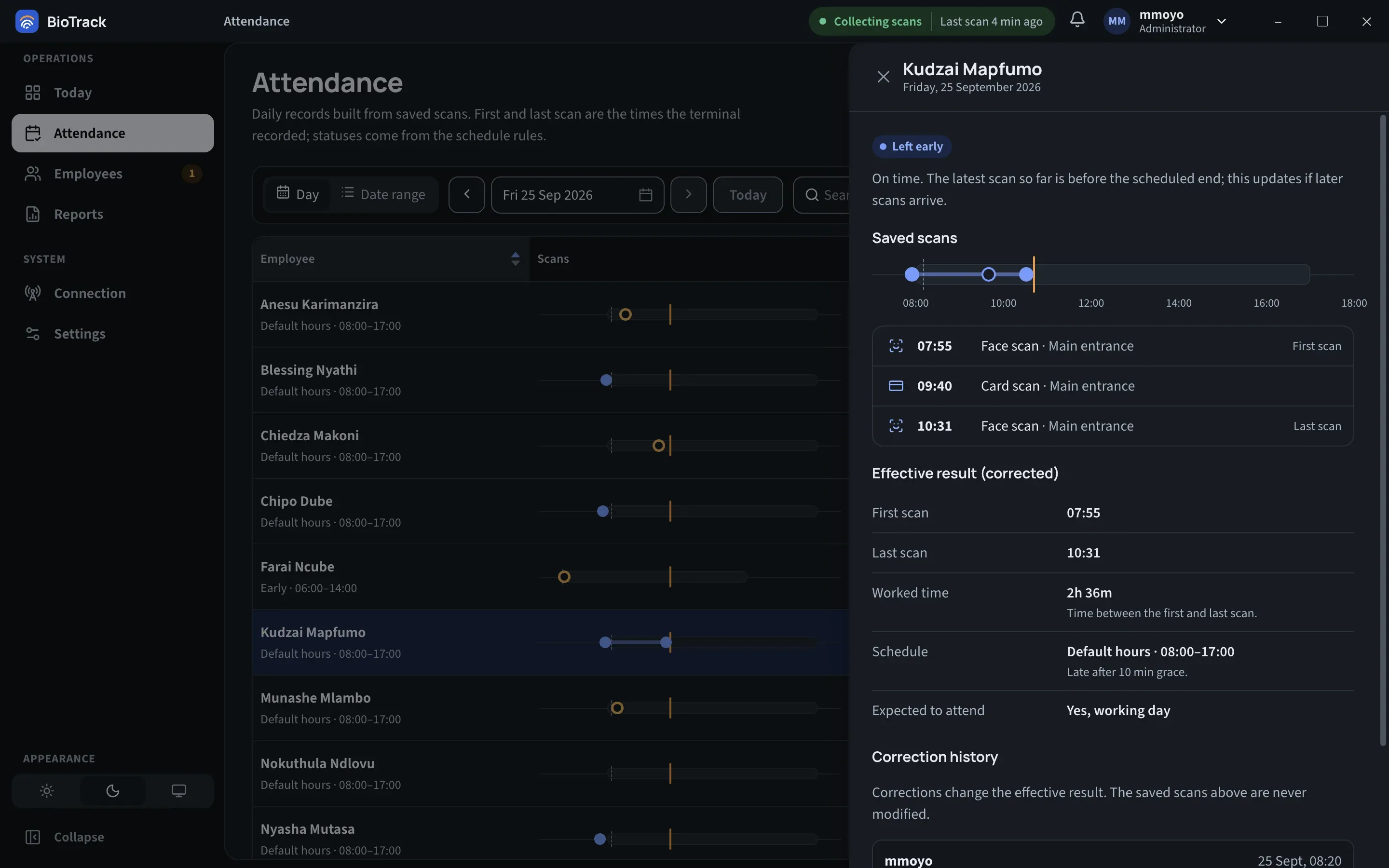
Open any record to see the saved scans, the effective result, the schedule it was measured against and its correction history.
Working days, attendance rate, absences and late arrivals per employee, with a CSV export when you need it.
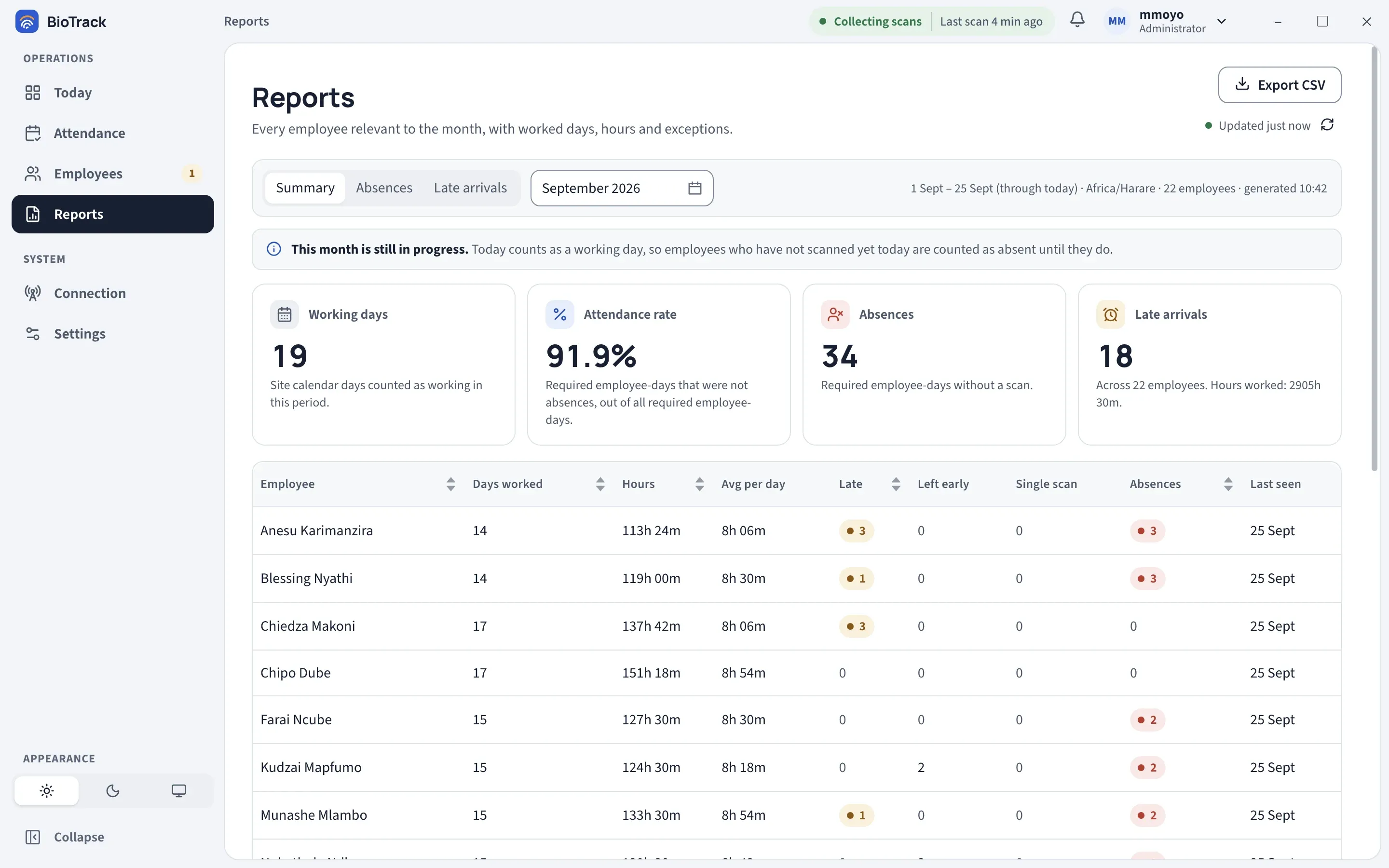
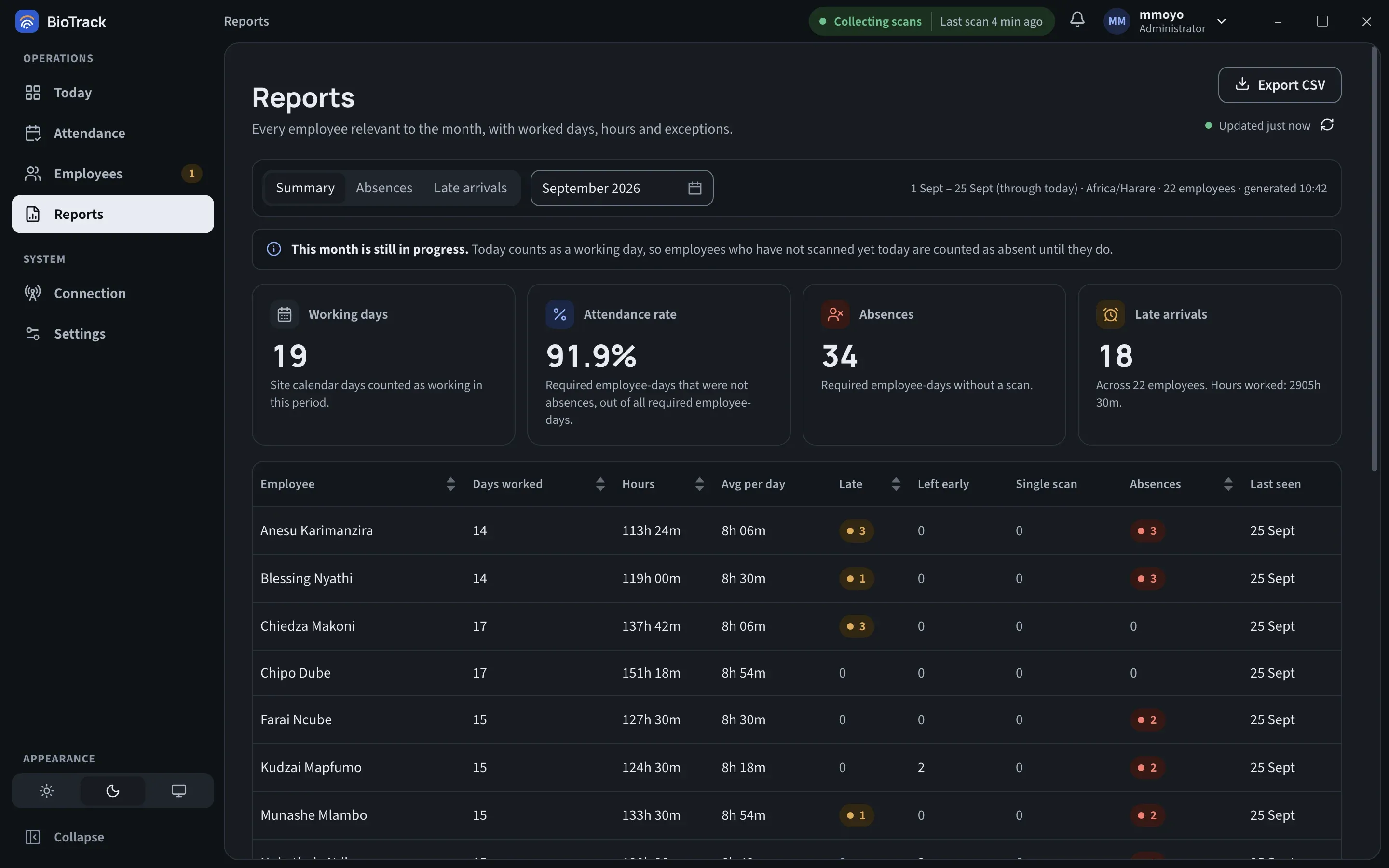
Every link in the chain is checked on its own, so a slow morning never looks like a fault.
Administrators correct the day’s result with a reason. The saved scans stay exactly as the terminal sent them.
mmoyo · 25 Sept, 08:20 · “Forgot to scan out”
Assign each person a schedule, then mark holidays, working weekends and leave so absences are counted fairly.
Cloud reporting · optional
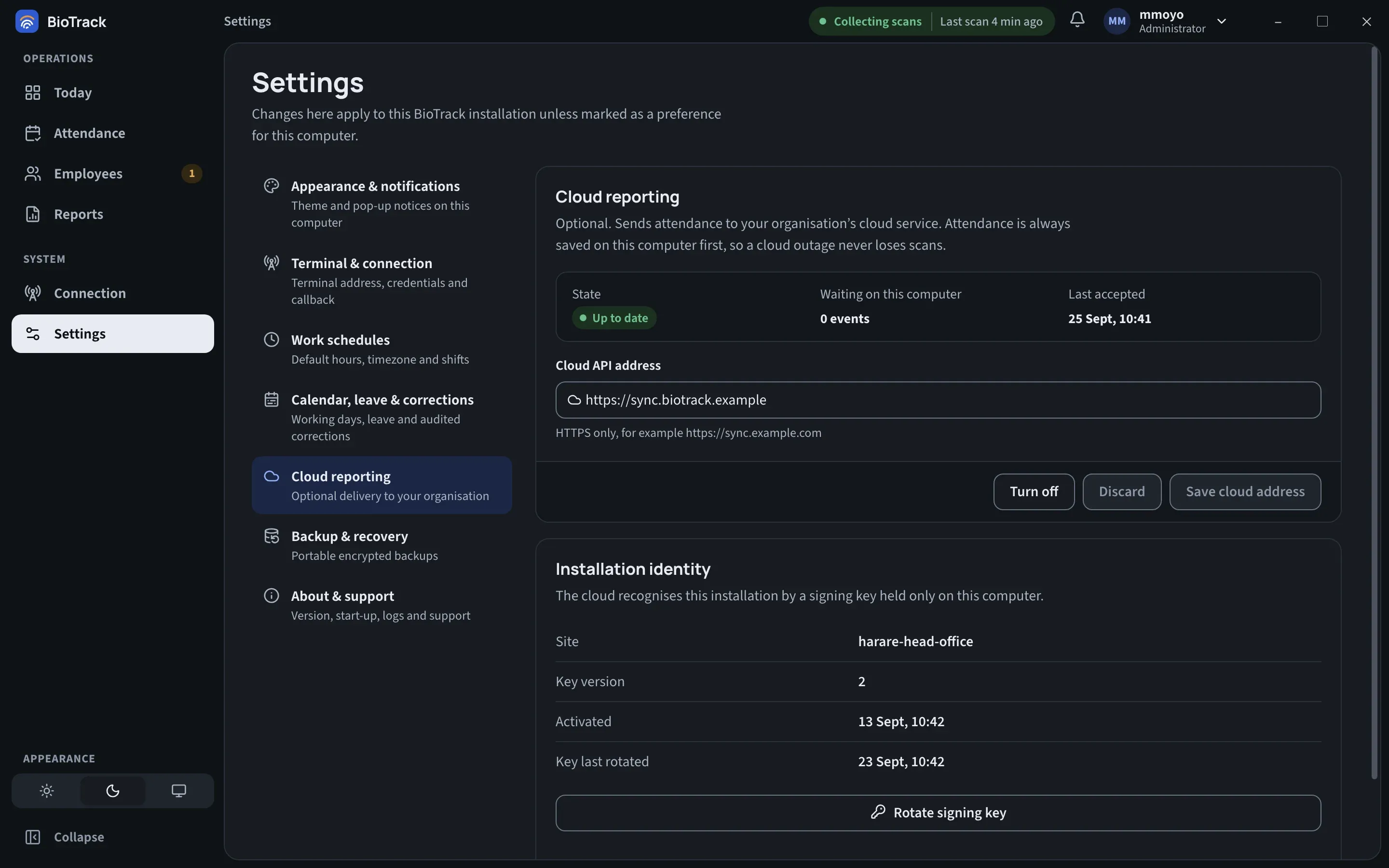
Turn on cloud reporting and each BioTrack installation sends its attendance to your organisation’s cloud service from a durable outbox. The database on site stays the source of truth, so an outage delays delivery and loses nothing.
Every scan commits to the local database before it is queued. A dropped connection only means the queue waits.
Each batch carries an Ed25519 signature from a key that never leaves the PC. Keys can be rotated, and a lost PC revoked.
Keep cloud records for 1, 3, 5 or 7 years. Older data is removed on schedule, and late batches can’t bring it back.
No fingerprint or face templates, passwords or terminal credentials. The cloud rejects any field not on its list.
Security & privacy
Attendance data is personal. BioTrack keeps it on hardware you control, encrypts it there, and limits exactly what can read it.
The attendance database is encrypted with a random 256-bit key, protected by Windows and readable only by the service and administrators.
Collection runs under its own Windows service account. Closing the app doesn’t stop scans being saved.
The app talks to the collector over an authenticated channel. It never opens the database or sees terminal passwords.
Saved scans are never modified. A correction changes the effective result and records who made it, when, and the reason given.
One signed setup for Windows 11 on x64 and ARM64 installs the app and the service together, and checks itself before reporting success.
Daily encrypted snapshots stay on the PC. Portable backups are protected by a recovery passphrase that only you hold.
Light and dark
BioTrack follows Windows by default, and anyone can pick Light or Dark for their own computer.
No. The terminal, the collector service and the app all work on your local network, and every report is produced on site. The internet is only needed if your organisation turns on cloud reporting.
Hikvision access-control terminals that record fingerprint, face or card scans. The setup wizard finds the terminal on your network, signs in to it and asks for a real scan to prove the connection before you finish.
Nothing changes. The collector is a Windows service that receives and saves scans on its own. When you open BioTrack, the screens load what has been saved and then update live.
No. Fingerprint and face templates stay on the terminal. Cloud reporting sends attendance records only, from a fixed list of allowed fields, and the cloud service rejects anything else.
There is no per-employee licensing. Employees are synced from the terminal, and new people who scan appear for review so you can check the name and assign a schedule.
Yes. Export a portable encrypted backup, protected by a recovery passphrase, and restore it after installing on the new PC. Terminal and cloud credentials are deliberately left out and entered again afterwards.
The wizard finds your terminal, connects it, and doesn’t finish until a scan arrives, so you know it works before your team relies on it.