
Connection states
Use this page when the status in BioTrack’s top bar is not green, or when BioTrack won’t open normally. It is written for operators and administrators; the steps marked “administrator” need a BioTrack Administrator or someone with Windows administrator rights.
Where BioTrack shows its status
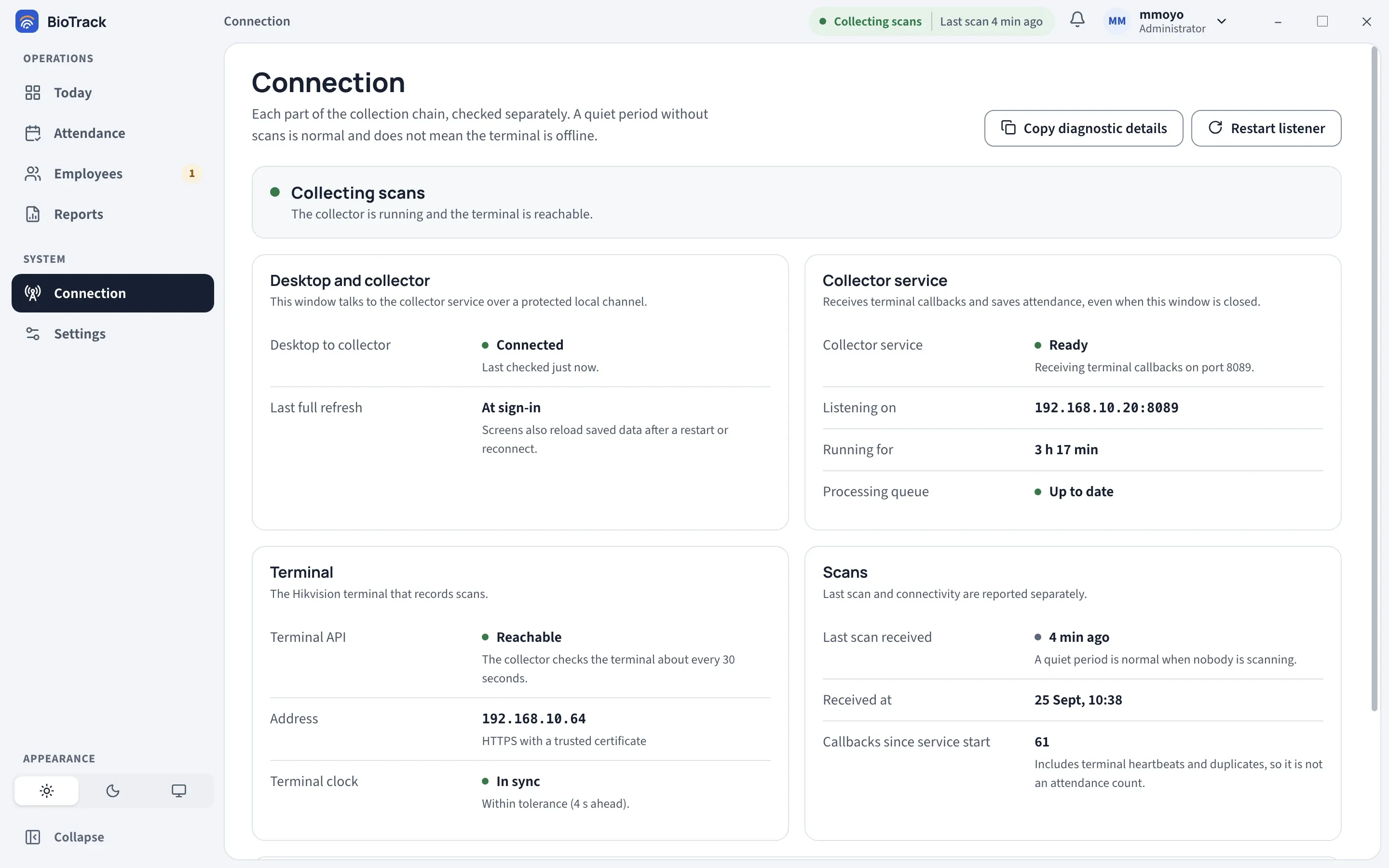
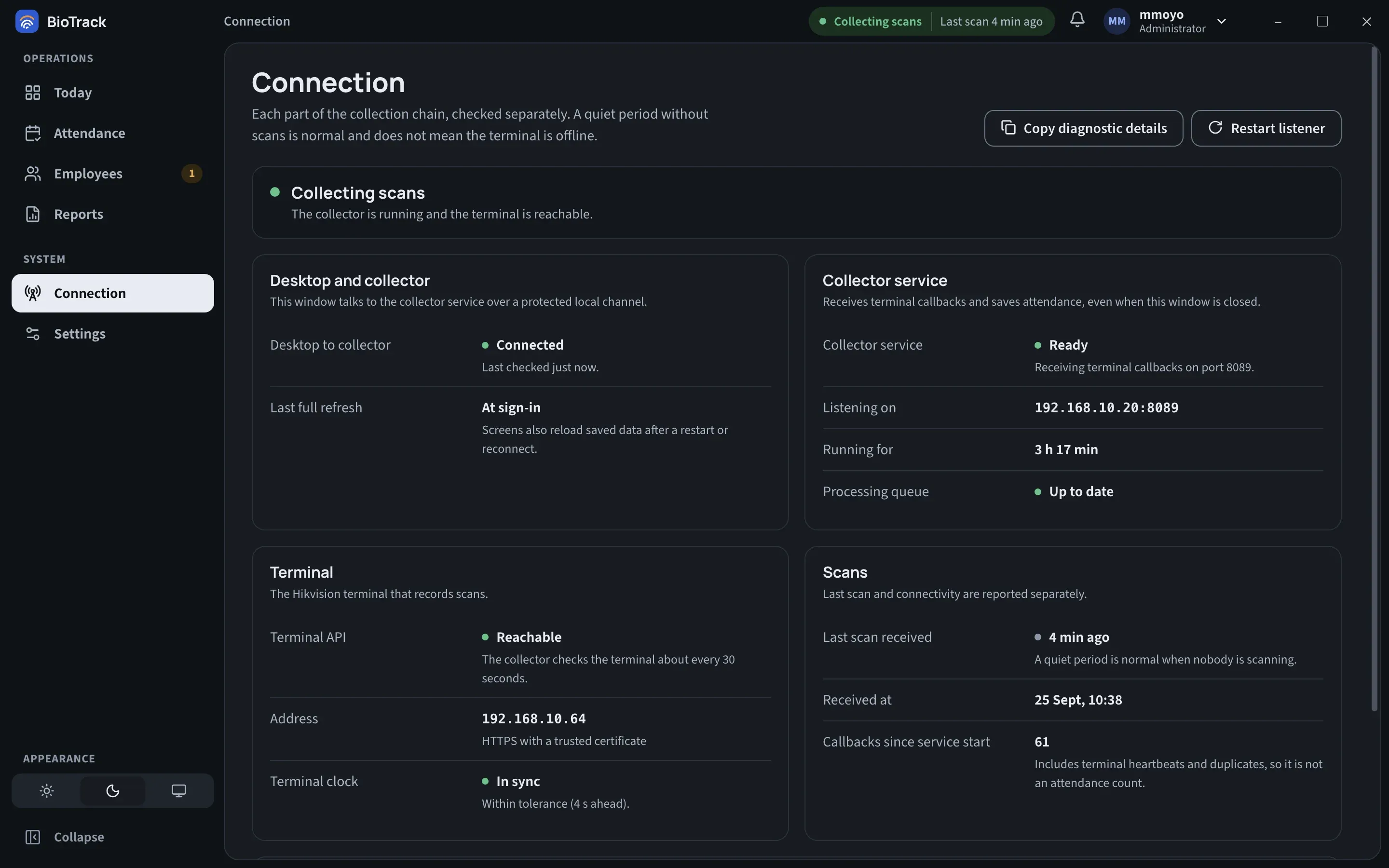
Section titled “Where BioTrack shows its status”- The status indicator in the top bar shows one headline, such as Collecting scans, with a short note beside it. Hover over it for a summary, or select it to open the Connection page.
- A banner appears across the page when something needs attention, with View connection. You can dismiss it; it comes back only if a new problem starts.
- A pop-up notice and a count beside Connection in the sidebar appear at the same time.
- The Connection page checks each link separately: Desktop and collector, Collector service, Terminal, Scans and, if turned on, Cloud reporting.
Top-bar statuses
Section titled “Top-bar statuses”| Status | What it means | What to do |
|---|---|---|
| Collecting scans | The collector is running and the terminal is reachable. The note shows Last scan … ago or No scans since start. | Nothing. |
| Listening for scans | The collector is accepting scans, but it hasn’t yet confirmed it can reach the terminal. Usually seen briefly after start-up. | Wait a minute. If it stays, check the Terminal panel on Connection. |
| Connecting… | The window is contacting the collector service. | Wait a few seconds. |
| Starting up or Applying settings | The collector is starting, or applying a terminal or callback change. | Wait. This normally takes under two minutes. |
| Reconnecting | The window lost contact with the collector and is retrying. Screens may be out of date. The collector may still be saving scans. | Wait. If it becomes Collector offline, see below. |
| Collector offline | The window has failed to reach the collector several times. | See Collector offline. |
| Terminal offline | The collector is running (Collector still running) but can’t reach the terminal. Scans may be delayed until it reconnects. | See Terminal offline. |
| Terminal clock off | The terminal’s clock differs from the PC’s. Scans may be recorded on the wrong day or shift. | See Terminal clock off. |
| Collection stopped or Collector failed | Scans are not being saved. The collector’s listener has stopped or failed. | See Collection stopped. |
Collector offline or Reconnecting
Section titled “Collector offline or Reconnecting”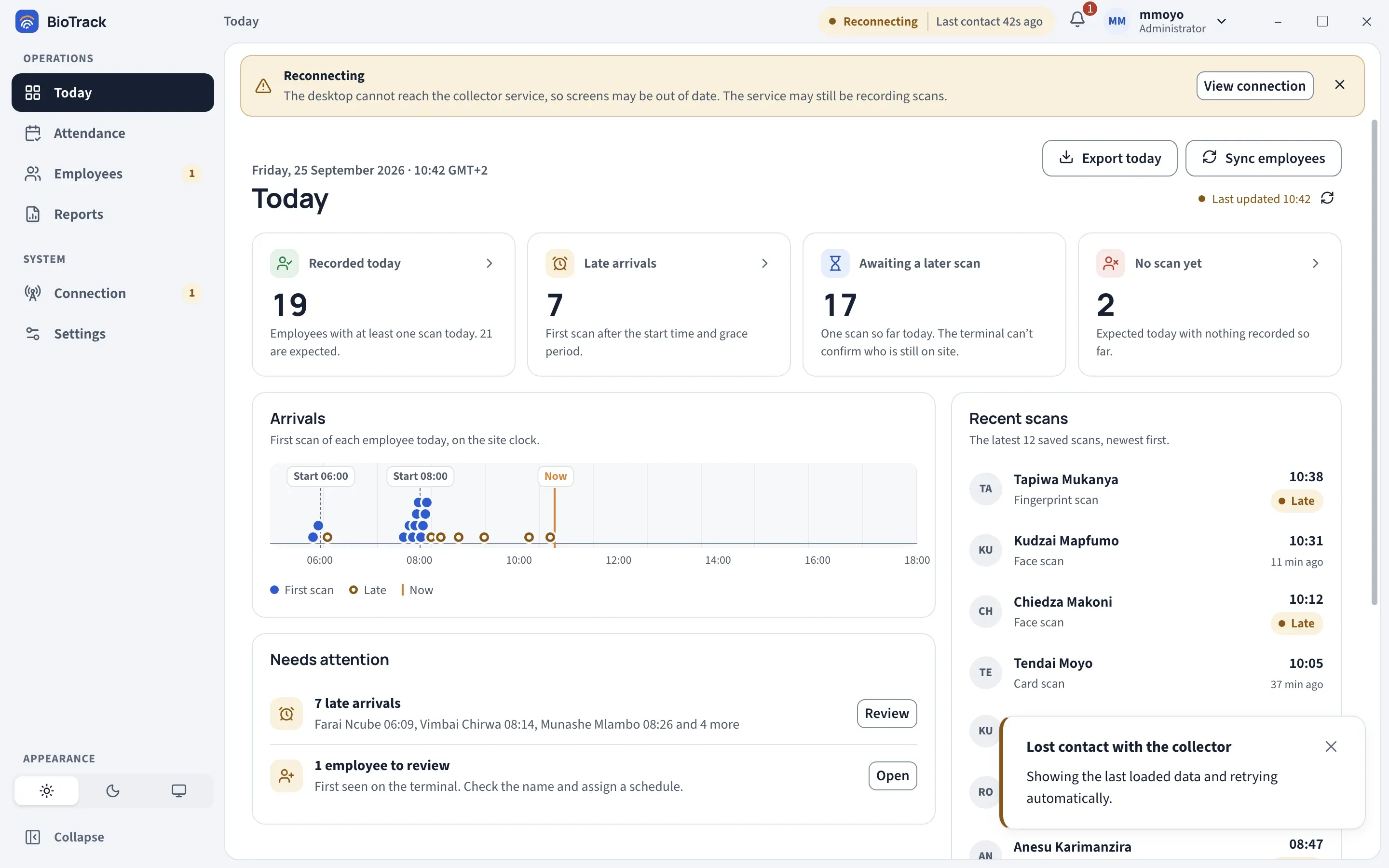
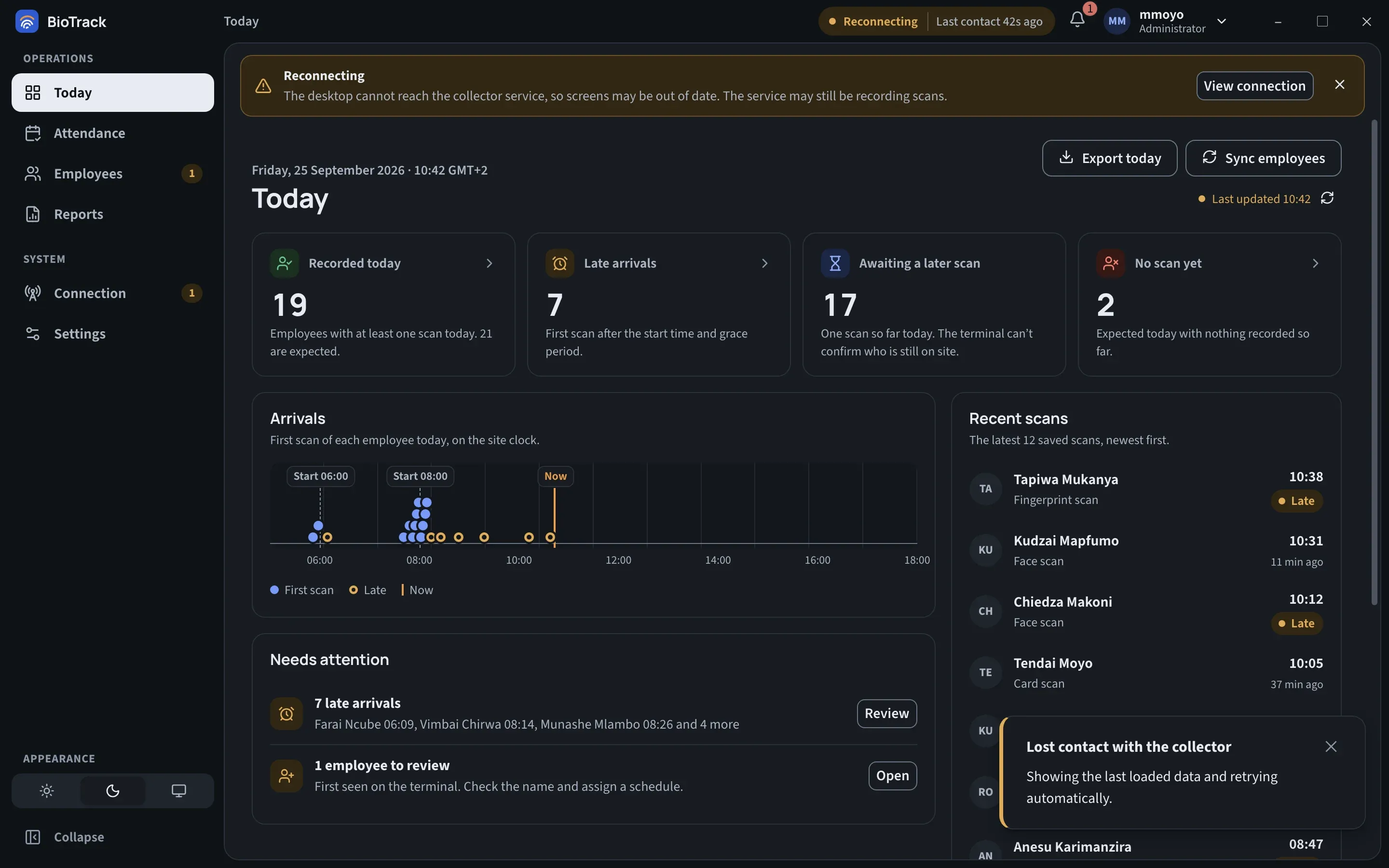
The BioTrack window talks to the collector service over a protected local channel on the same PC. Reconnecting means that channel failed after it had been working; Collector offline means it has failed repeatedly. The status note shows when BioTrack last had contact, and a notice says Lost contact with the collector. BioTrack keeps showing the last loaded data and retries automatically.
This is a problem between the window and the service. The terminal and the collector may be fine, and scans may still be saved. When contact returns, BioTrack reloads saved data so screens catch up.
What to do:
- Wait a minute. A short Reconnecting often clears on its own, for example after the PC wakes from sleep.
- Close BioTrack and open it again.
- Administrator: open Windows Services and check that BioTrack Collector is running. Start it if it is stopped.
- If it keeps happening, select Copy diagnostic details on the Connection page and send the text to your support contact. It contains no employee names.
Terminal offline
Section titled “Terminal offline”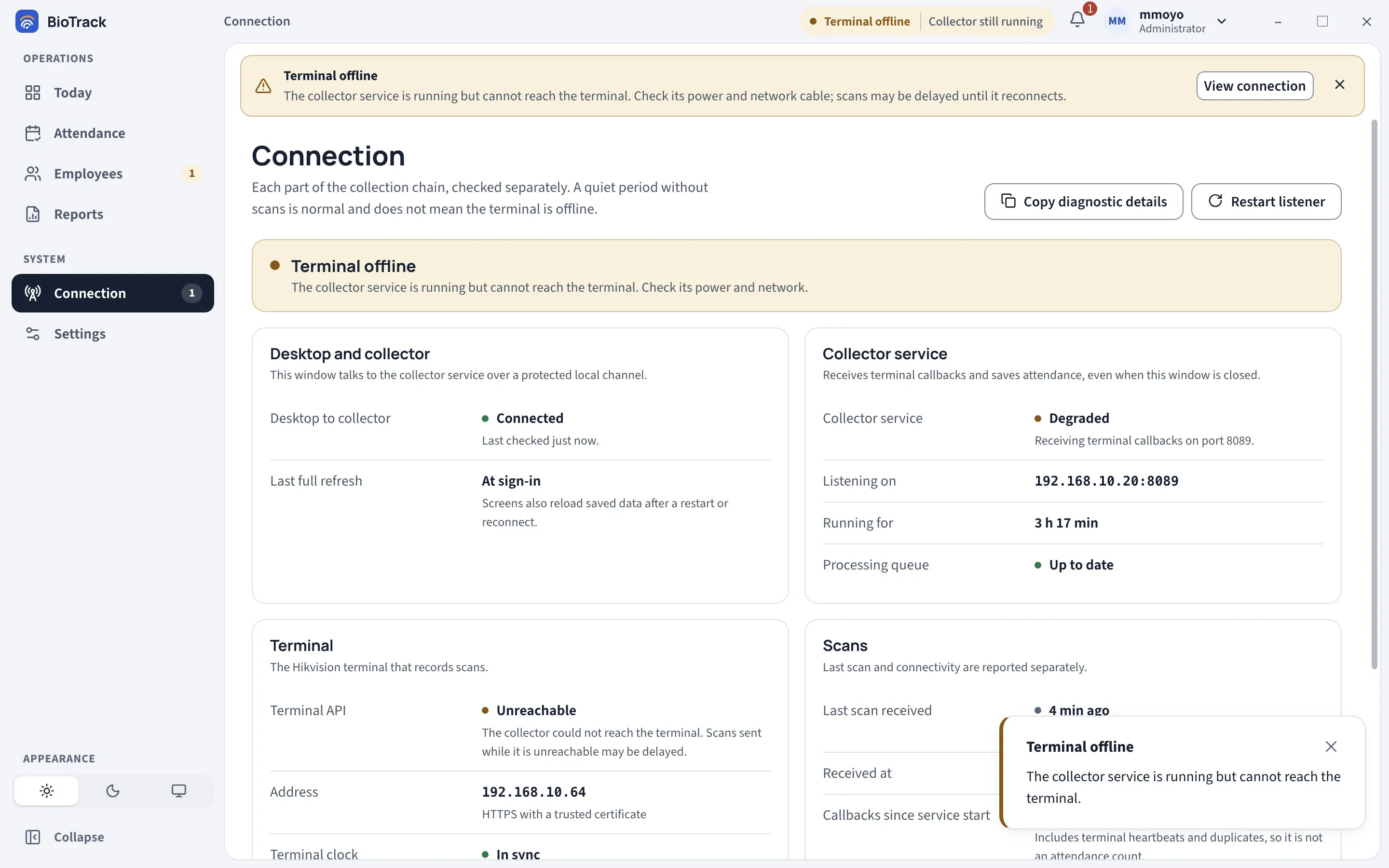
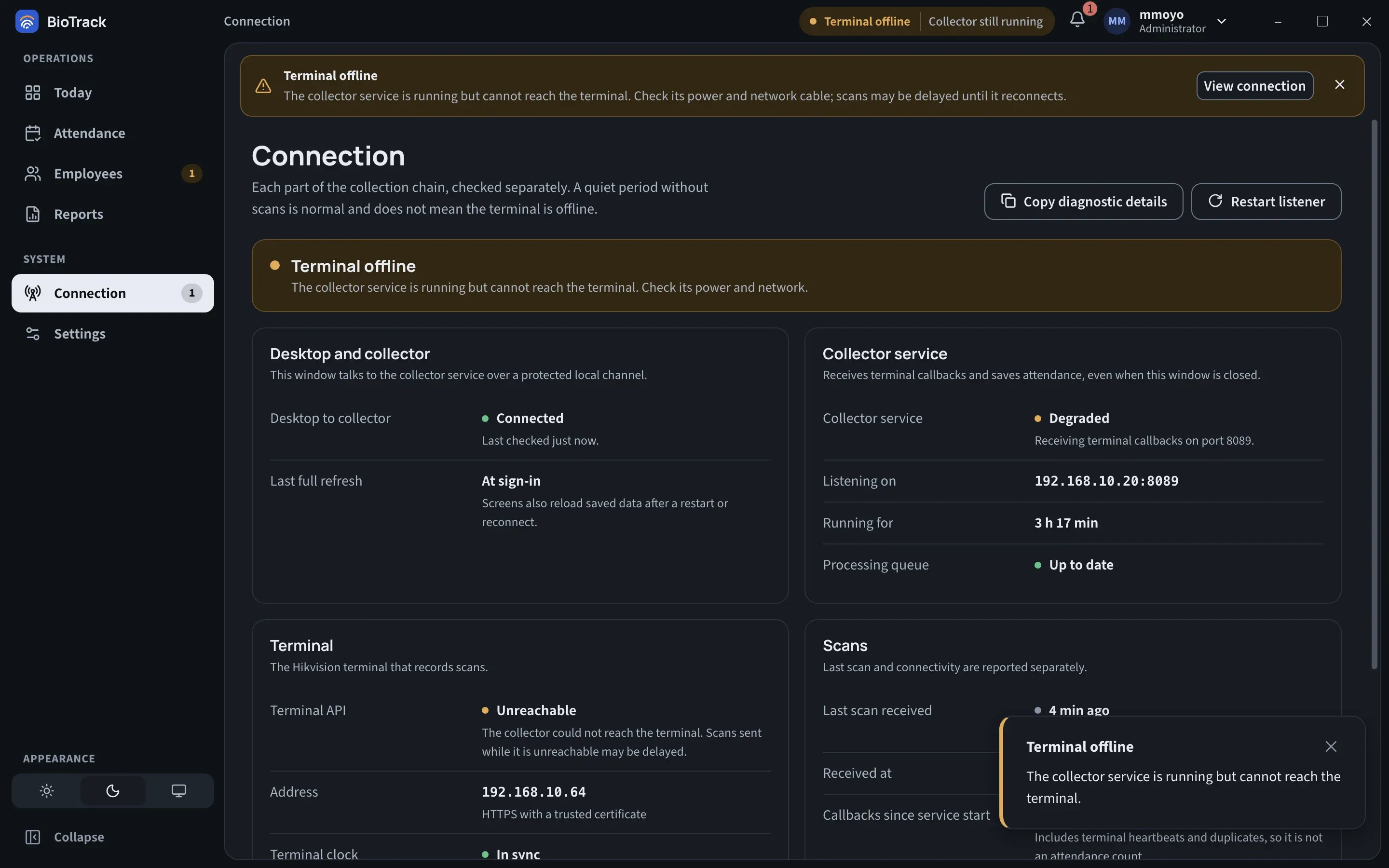
The collector checks the terminal about every 30 seconds. Terminal offline means those checks are failing: the Terminal API line shows Unreachable and the collector usually shows Degraded. The collector is still running and will accept scans as soon as the terminal can send them.
What to do:
- Check that the terminal is powered on and its screen is responding.
- Check its network cable or Wi-Fi, and the switch or router between the terminal and the PC.
- Check that the terminal still has the same address shown under Terminal → Address on the Connection page. The firewall only accepts callbacks from that address.
- When the terminal is back, the status returns to Collecting scans on its own. Ask someone to scan and check the scan appears on Today.
If the terminal’s address has changed, BioTrack cannot follow it: the address is fixed after setup. Change the terminal back to its original address, or reinstall BioTrack. See Terminal and connection.
Terminal clock off
Section titled “Terminal clock off”BioTrack compares the time on each live scan with the PC’s clock. When the difference is too large, the Terminal clock line shows how far the terminal is ahead or behind, and the top bar shows Terminal clock off. Until it is fixed, scans may land on the wrong day or shift.
What to do:
- On the terminal, check the date, time and timezone. Set it to use a time server if your network has one.
- Check the PC’s own date and time as well.
- Review attendance recorded while the clock was wrong and correct any records that fell on the wrong day.
Collection stopped or Collector failed
Section titled “Collection stopped or Collector failed”Scans are not being saved. The collector service is reachable but its attendance listener has stopped or failed.
What to do (administrator):
- On the Connection page, select Restart listener and confirm. The collector stops accepting callbacks for a few seconds while it restarts; the terminal retries scans it could not deliver.
- If it doesn’t recover, restart the BioTrack Collector service in Windows Services, or restart the PC.
- If it still fails, select Export bundle… under Support bundle in Settings → About & support and send the file to your support contact.
Start-up screens
Section titled “Start-up screens”These appear instead of the sign-in screen when BioTrack cannot start normally.
| Screen | What it means | What to do |
|---|---|---|
| Connecting to the BioTrack Collector service… | BioTrack is starting and contacting the service. | Wait. |
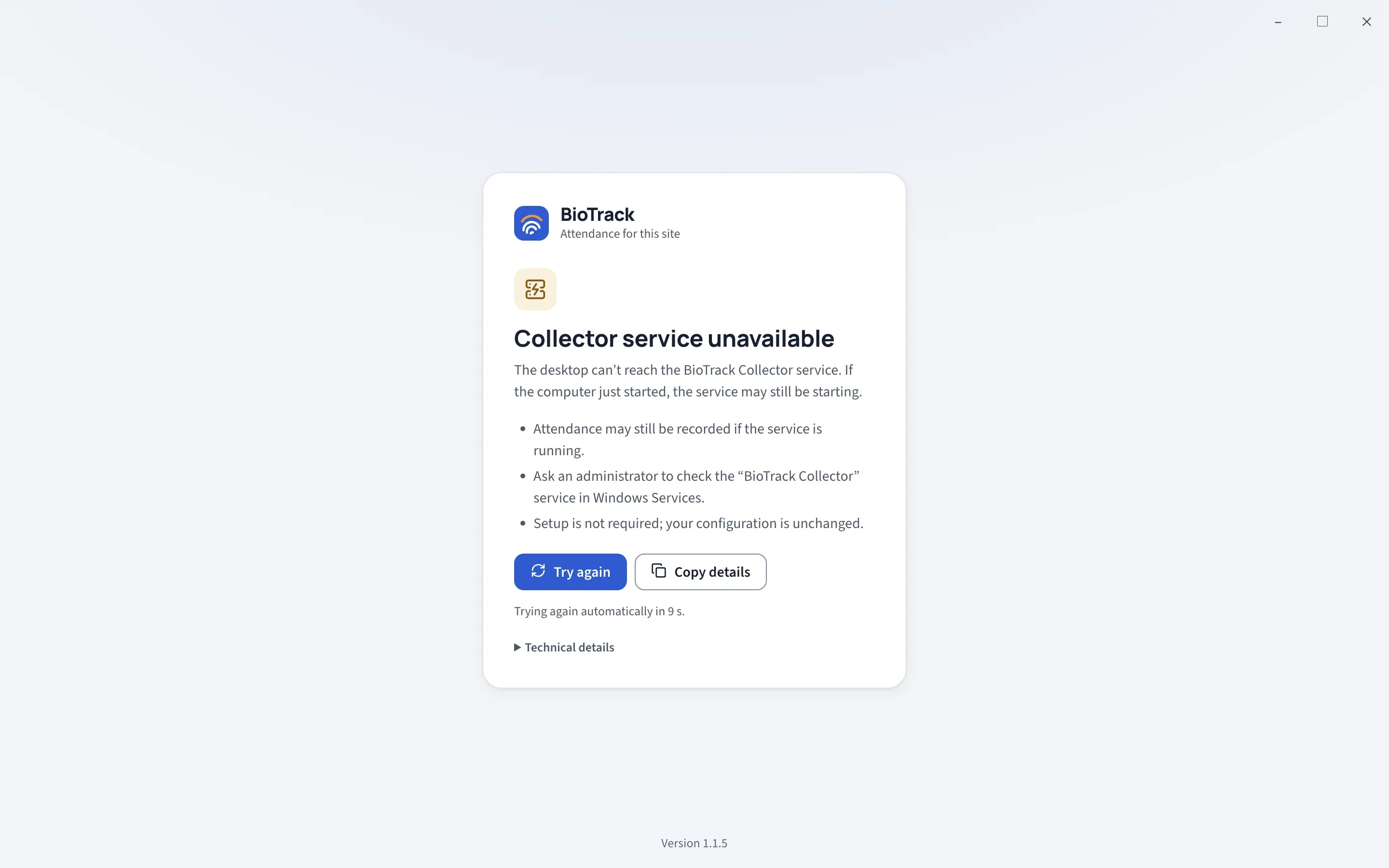
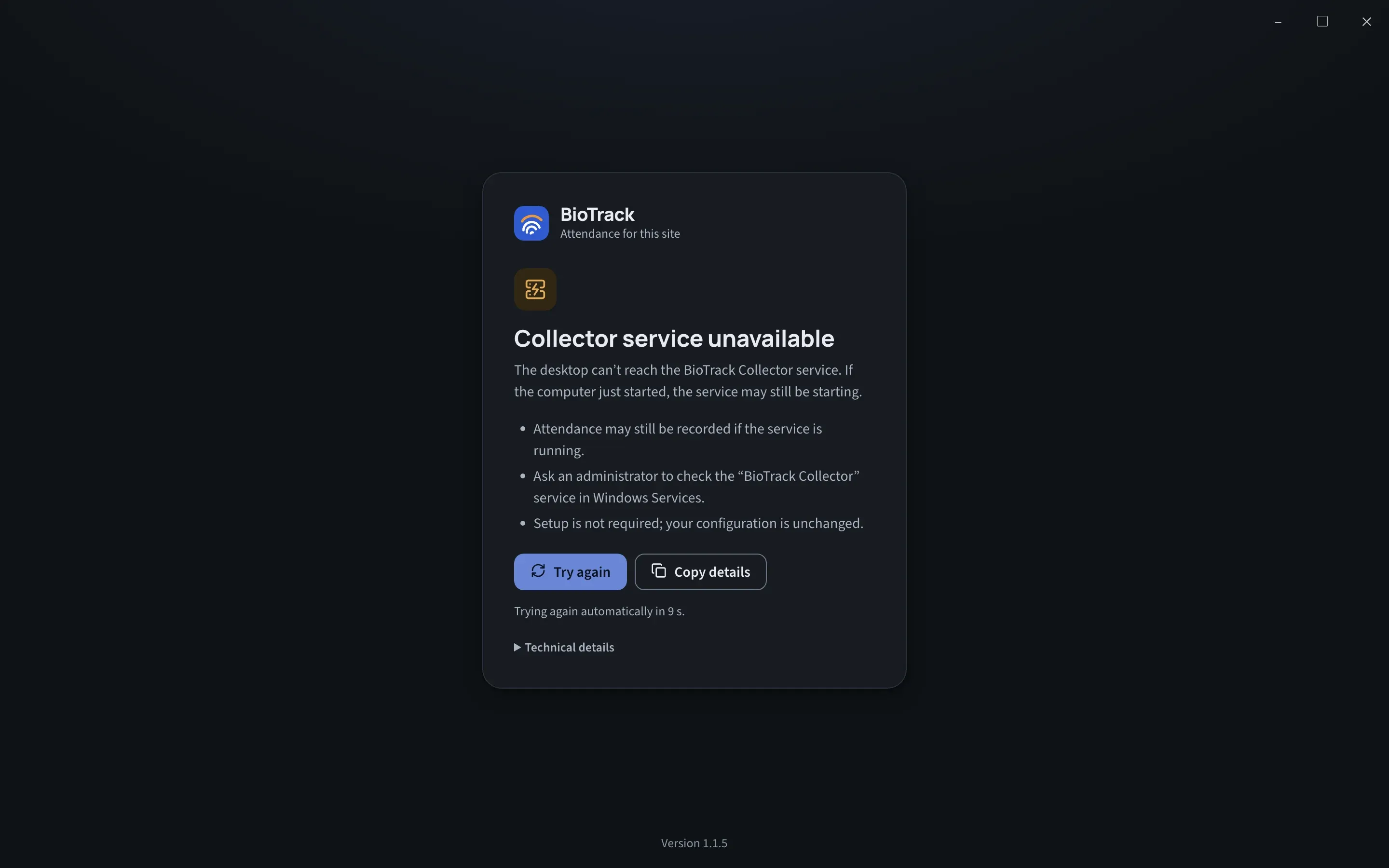
| Collector service unavailable | The window can’t reach the collector. If the PC has only now started, the service may still be starting. Attendance may still be recorded if the service is running. Setup is not required; your configuration is unchanged. | BioTrack tries again every 10 seconds. Select Try again to retry now. Administrator: check the BioTrack Collector service in Windows Services. Use Copy details to send the error to support. |
| BioTrack access was denied | This Windows account is not allowed to use the collector. | Sign in to Windows with the account that installed BioTrack, or ask an administrator to check the collector service permissions. |
On the sign-in screen, Collector unavailable means the same as Collector service unavailable: try again in a moment.
Other messages on the Connection page
Section titled “Other messages on the Connection page”| Message or value | Meaning |
|---|---|
| The collector service is older than this desktop | The two parts of BioTrack are different versions. Live updates still work, but BioTrack can’t detect collector restarts or missed updates. Run the BioTrack installer again. |
| Processing queue: … waiting | Scans received but not yet processed. A short queue is normal; a growing one is worth reporting. |
| … callbacks set aside for review | Callbacks that were not attendance scans or had implausible times. They are kept, not counted as attendance. |
| Callbacks since service start | Includes terminal heartbeats and duplicates, so it is not an attendance count. |
| Cloud reporting: Up to date / Sending | Delivery to your organisation’s cloud is working. |
| Cloud reporting: Retrying / Stopped | Delivery is paused or failing. Attendance is still saved on this PC and waits locally. See Cloud sync status. |